My self hosted journey
In 2020 I got a Raspberry Pi 4, just before the global chip shortage and the subsequent price increases. For a while I was tinkering with various Linux distributions and hosting Plex for managing my media and using Open Media Vault for network share folders . For a few years I was installing, reconfiguring and breaking the system, before wanting something more powerful to try out more demanding services.
Things became a lot simpler to manage when I discovered CasaOS; it is simplified self hosting management solution compatible with Debian and Ubuntu server. It features a simple one command installation process, an app store, built-in file management for network shares and a dashboard for accessing apps and monitoring system health. I’ll be sharing my current setup and how I got to the various choices I made. I won’t be going into any details about the installation, but I will mention any tips or roadblocks related to the various applications I am using.
My current system and costs
Refurbished desktop PC
4th gen i5 with 4GB ZAR1200
You won’t want to go any older than this if you want hardware accelerated video encoding (useful if you want to stream video to multiple mobile devices).
480GB ssd R400
Replaced the 3.5" hdd to install Ubuntu server. Tried using HDD initially but the load and boot times were unbearable.
4GB ram
sufficient for the services I am running.
Ubuntu server 25.10
Additional notes before embarking on selfhosting your data Power usage Depending on what hardware you settle on and where you live this cost can vary . The Raspberry Pi 4 (Pi 5 is more than capable) is ideal if you want stealth and power efficiency, but may be lacking in power depending on your needs. An old laptop is actually great option too as it will include battery backup, a keyboard and screen. Time and patience You will be sole administrator and custodian of your data, so be prepared to troubleshoot, do software updates and hardware replacement. Backups There is protocol called the 3-2-1 backup rule that states - You have three copies of your data: One on your computer, one on your hard drive, and one in the cloud (here the cloud could also be a harddrive at your parents, a relative or a friends house). In the event of a burglary, flood, fire or ransomware, this will provide durability and reliability for your data.
What applications/services am I using.
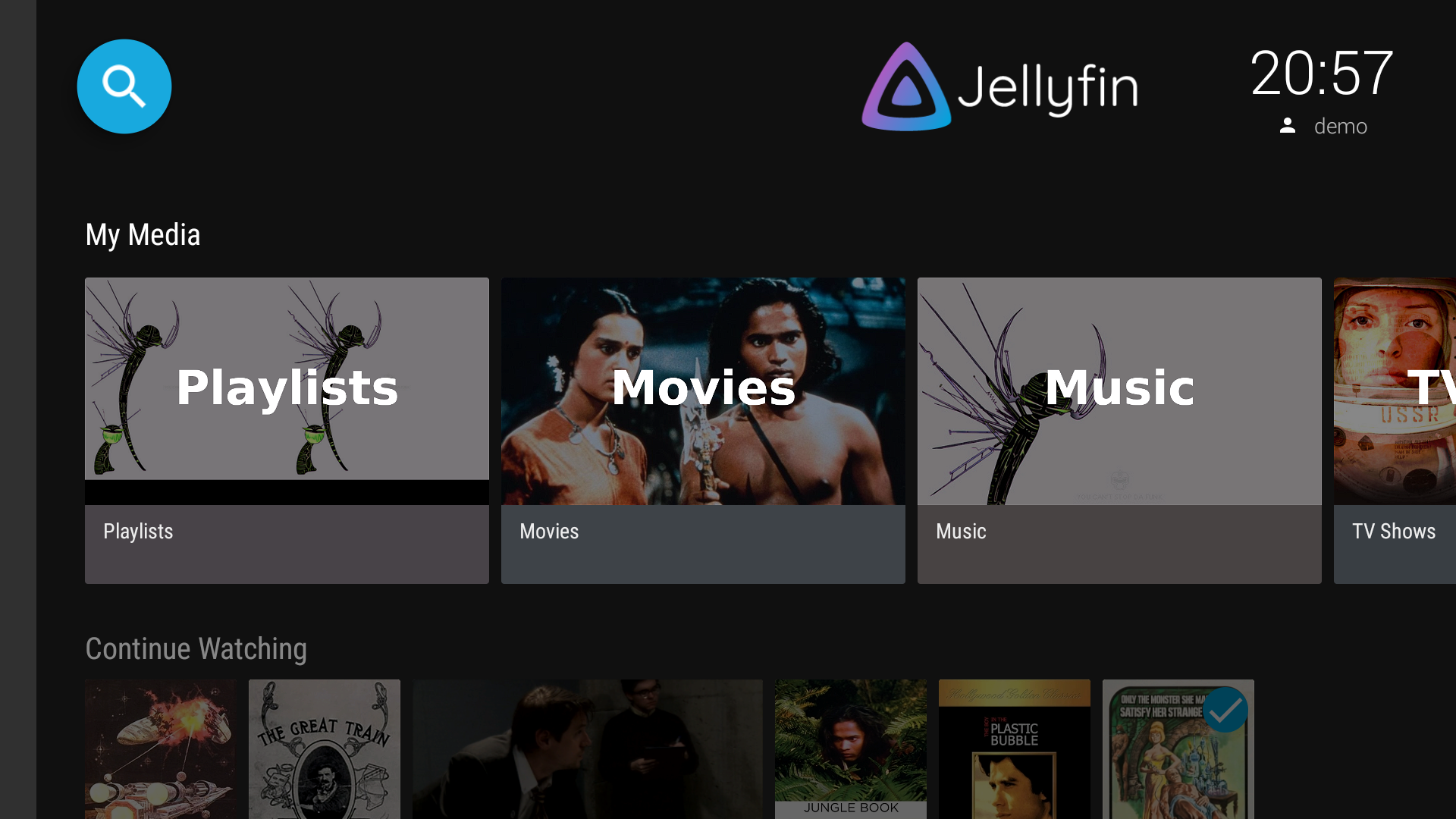
A free and open source media server for streaming my music, movie and series collection. This is a great solution for those accustomed to using an app on their tv or mobile device as there are native apps for iOS and android. I use the 3rd party app Finamp (still in beta) on my phone for streaming and downloading music onto my phone as the official Jellyfin app does not handle music in a way that’s appealing to me, but can definitely work for most.
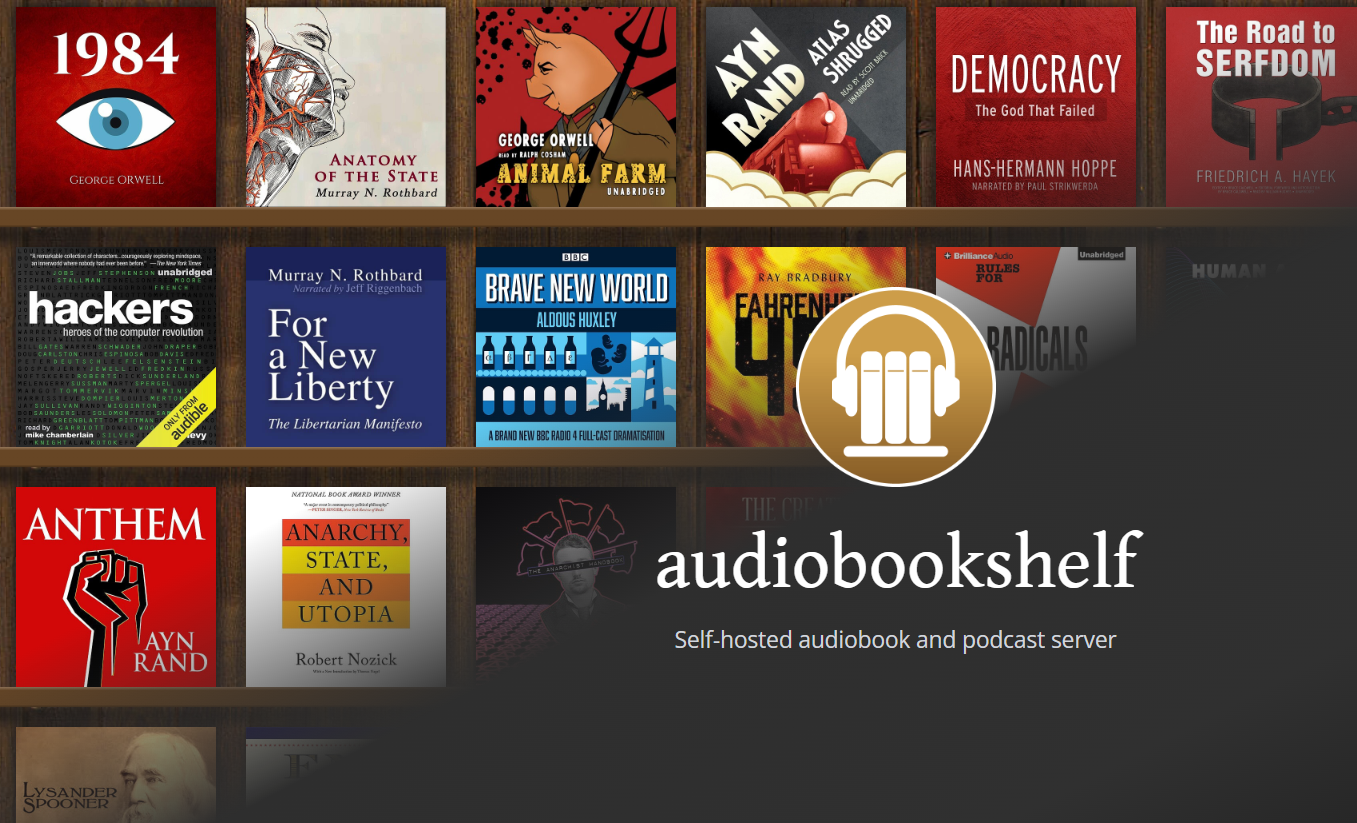
Self-hosted media server specifically for audiobooks and podcasts, features include companion mobile apps (Android/iOS) for offline listening, multi-user support with progress syncing, and basic ebook support (I don’t have any experience with this). I don’t listen to audiobooks, but I have been making an effort to find some podcasts I enjoy, specifically to move away from consuming long form videos on youtube. Many creators I follow on there have audio versions of their content. I used google podcasts in the past, but when it shut down I hopped between a few free apps, never settling on one.
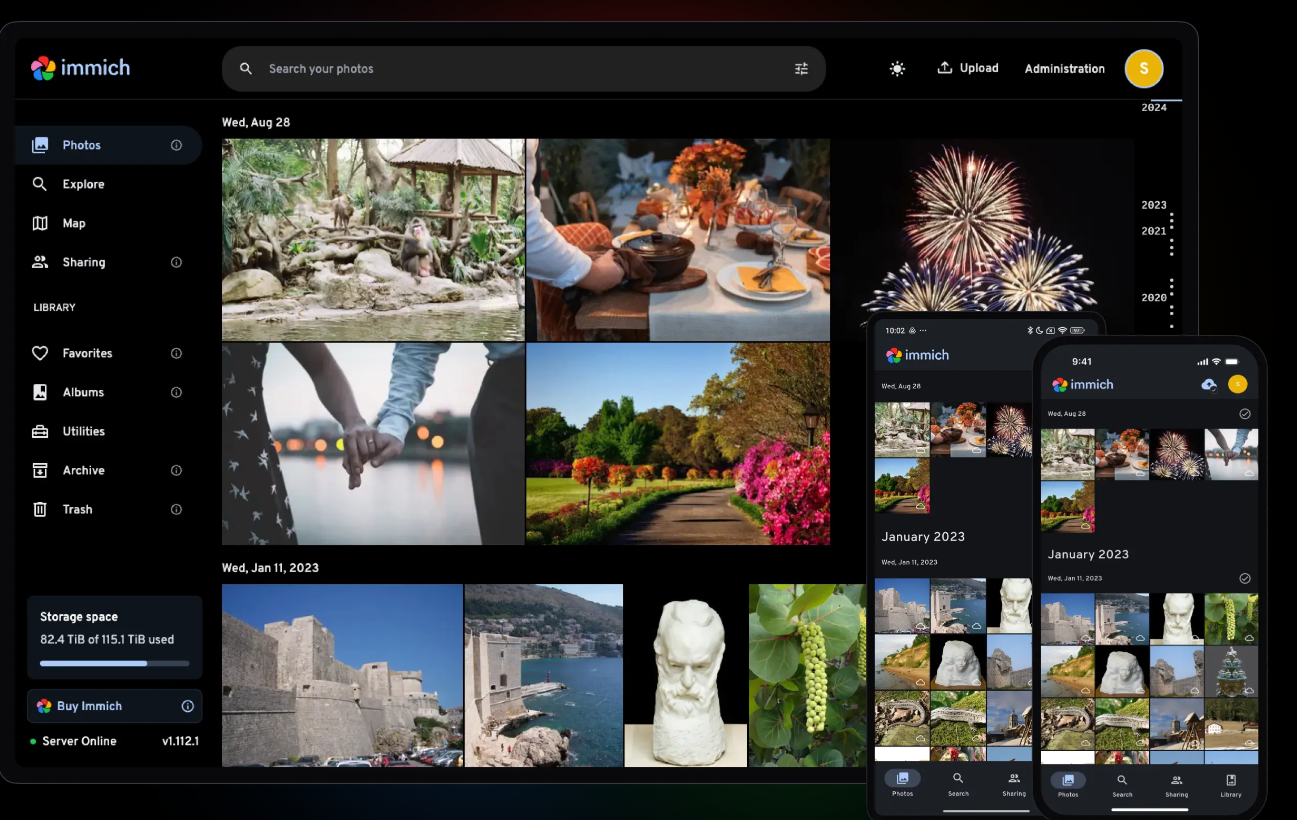
A fully featured photo and video management app in the same vein as Google photos created by the FUTO ( an organization dedicated to developing, both through in-house engineering and investment, technologies that frustrate centralization and industry consolidation). Using it’s native app I can sync, search an view photos as seamlessly as Google Photos. It has the ability integrate external ai tools like chatgpt, claude or even locally hosted LLMs using Ollama for facial and object recognition, though I am not planning on using any of the tagging features at this stage.
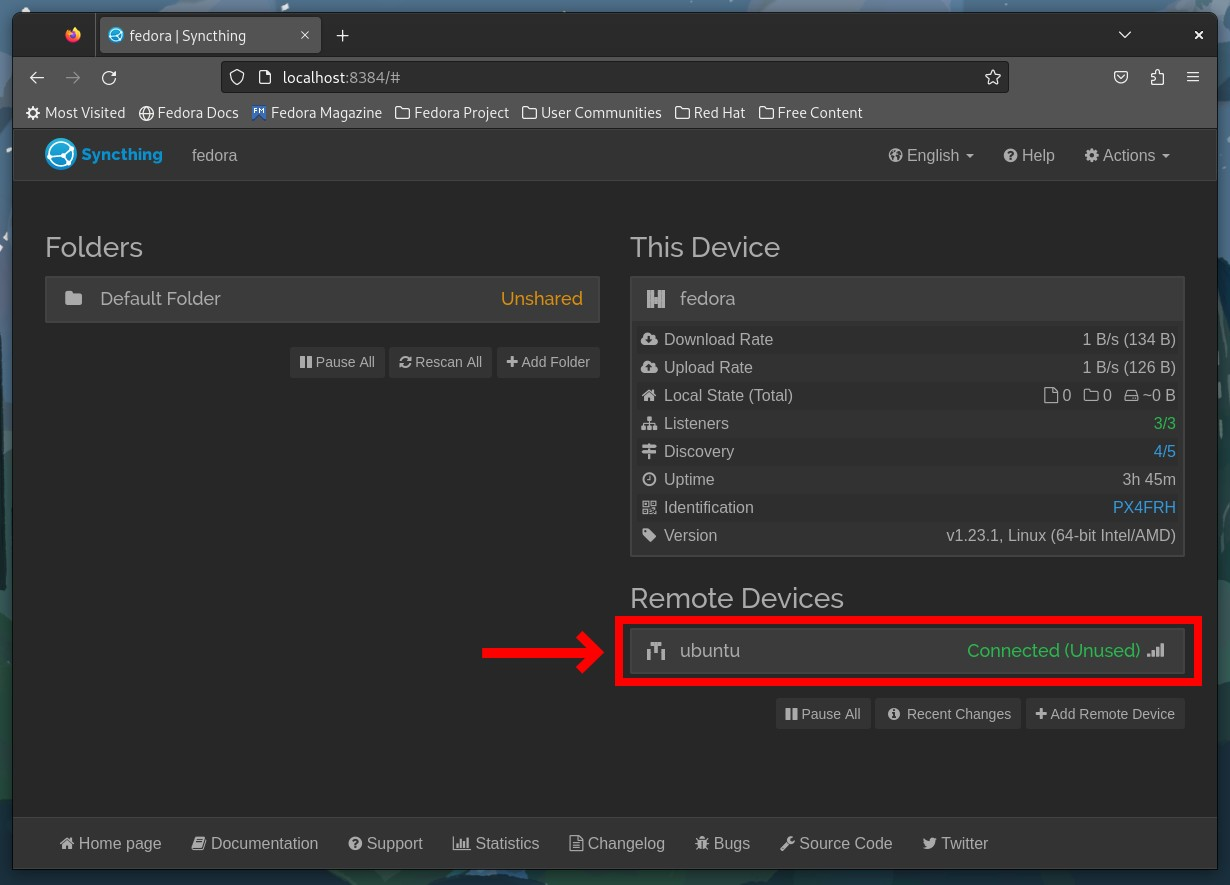
A continuous file synchronization program that synchronizes files between two or more computers in real time, securely and privately, without relying on a central server. I am using this to copy any project files (FLStudio, Ableton, Reaper) from my laptop. I also synchronize my notes (Obsidian) between my devices: I had previously used Google drive for this which could still be a viable option.
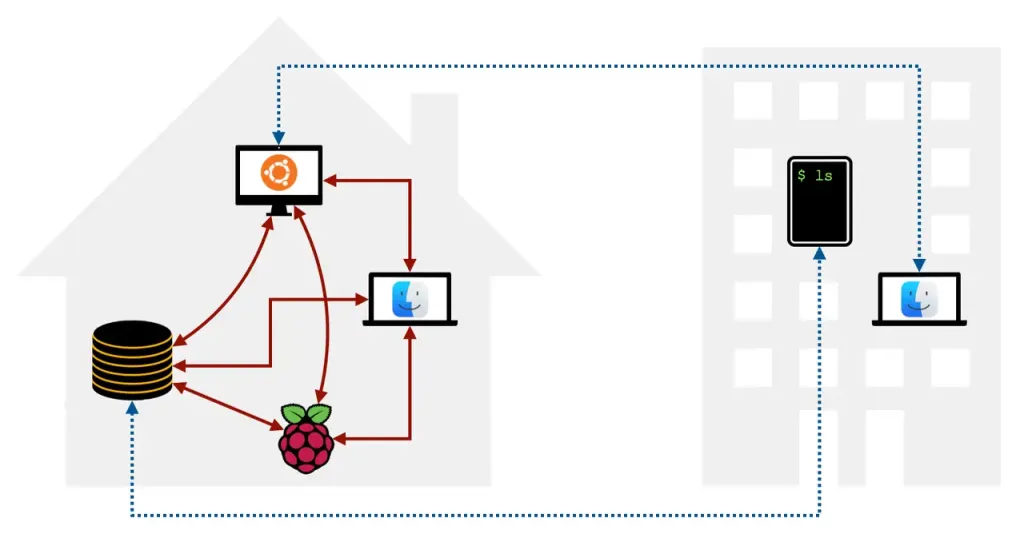
A fast, seamless device connectivity solution that deploys a WireGuard-based VPN to enable secure Remote Access, Business VPN, Zero Trust Networking, or Site-to-site Networking, making it easy to access homelabs and personal devices. This enables secure remote connection to my home network from anywhere in the from any of my devices.
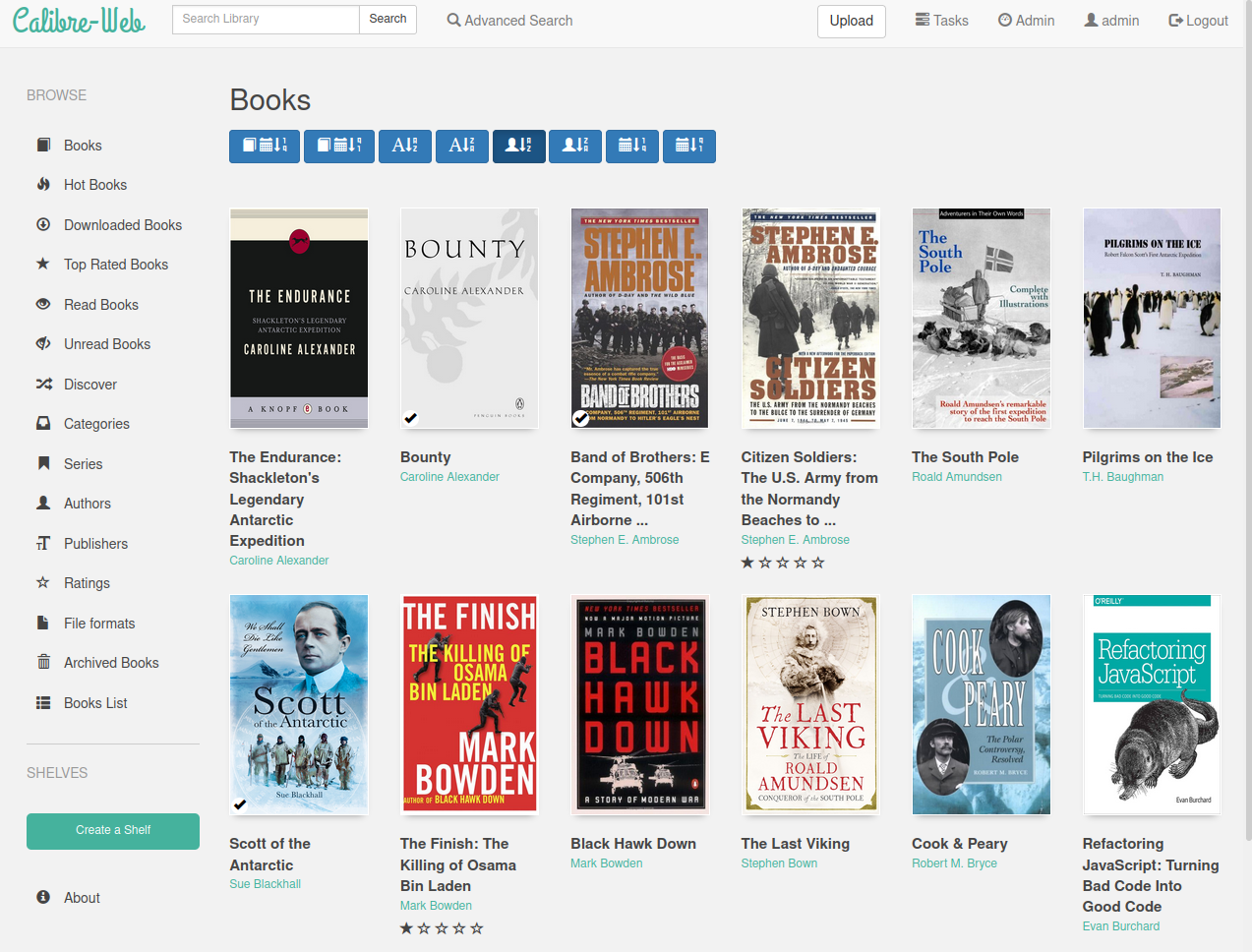
A web application that provides a clean and intuitive interface for browsing, reading, and downloading eBooks stored in a Calibre database. Requires that you have an existing Calibre database, mine is stored on my windows laptop. This allows me to read my ebooks on all my devices, similar to Kindle, in fact you can sync your books to most e-readers. I will be updating section as I work out the android apps works best for me.
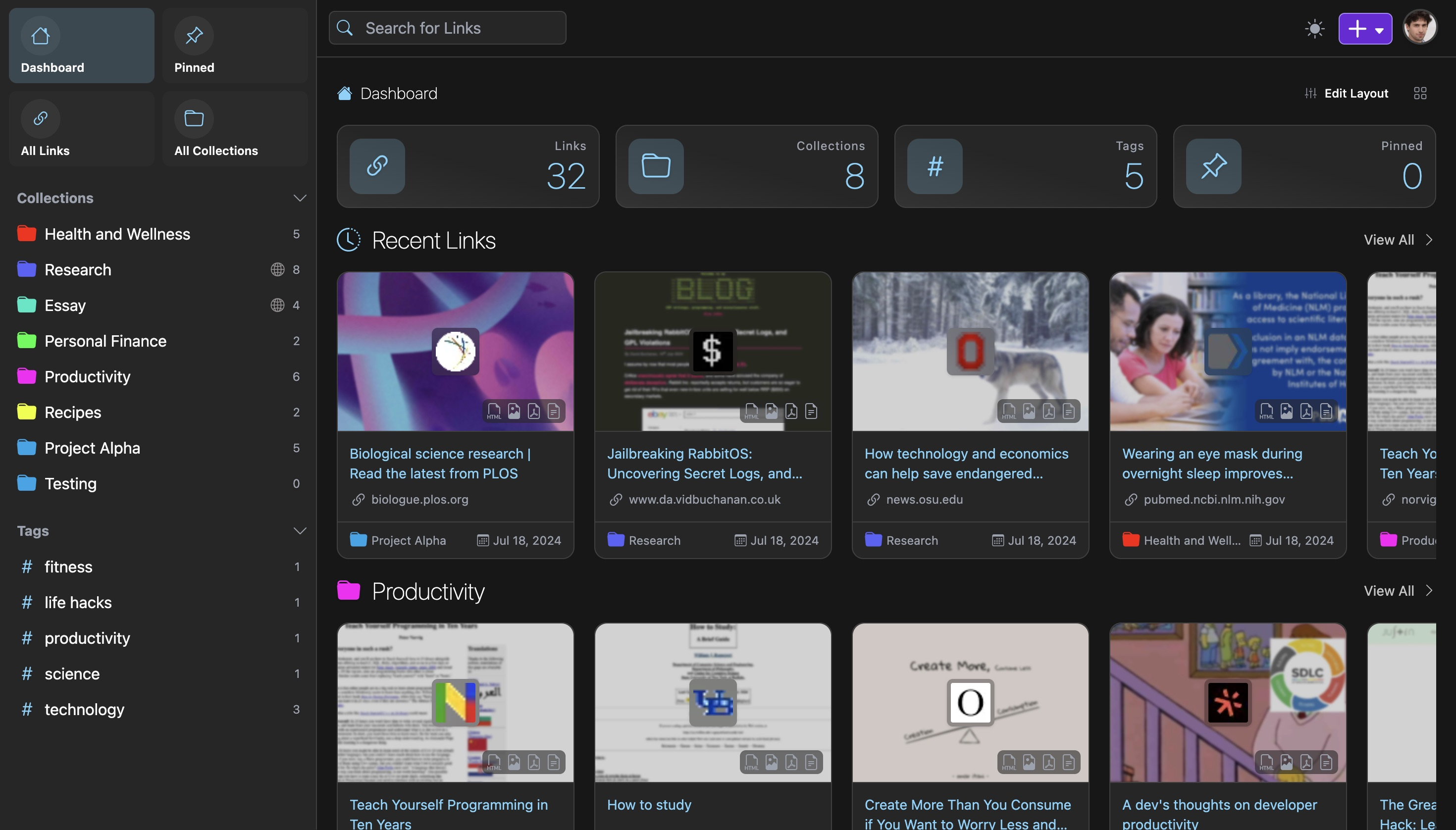
A tool for managing bookmarks that helps users collect, read, annotate, and fully preserve web pages in multiple formats, including full HTML content, ensuring access to the original content|. I’ve used many services in the past for saving bookmarks and articles. From free services like Pocket and Omnivore, both of which have been discontinued or bought up, through to a paid service like Readwise (I could not justify the cost after some time, though I really do recommend this service). I am using a 3rd party app for android called Linkdroid that works quite well.
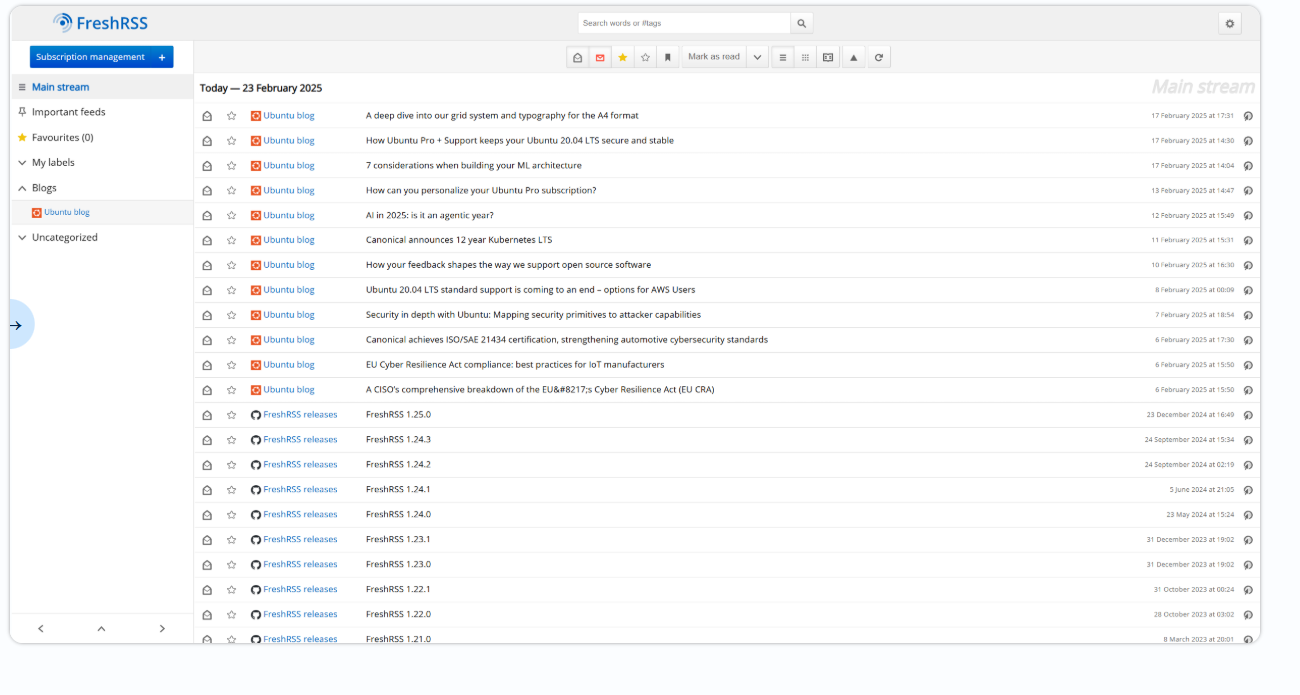
A free, self-hostable RSS and Atom feed aggregator that is lightweight, powerful, and customizable. It allows users to follow websites, podcasts, and video channels in a single place (syndication), read articles directly, and generate feeds by scraping external websites. Using the android app Readrops, I can subscribe to the feed generated by Freshrss and read all the latest posts from the websites and newsletters I follow, aswell as watch any Youtube channels I follow. This guarentees I only scroll through the things I actually. This has also helped empty out my email inbox from all the newsletters I have subscribed to in the past. Speaking of which, a useful site for subscribing to newsletters without sending them to your email is https://kill-the-newsletter.com/ , which converts them into an atom feed for your chosen Rss reader. I have tested and it does work with Substack newsletter, at least for the free ones.
Some additional free and/or open source apps I use
It is used to generate, save, and autofill strong passwords and passkeys securely across unlimited devices. This will be useful for saving all the account information of the various services you will be installing. I have been using this service for a few years now across all my devices. If you are already using the one built into Google services or your web browser you’re on the right track. They also have an authenticator app if you are using 2 factor authentication.
A FOSS video transcoder for all your video needs like re-encoding your dvd rips.
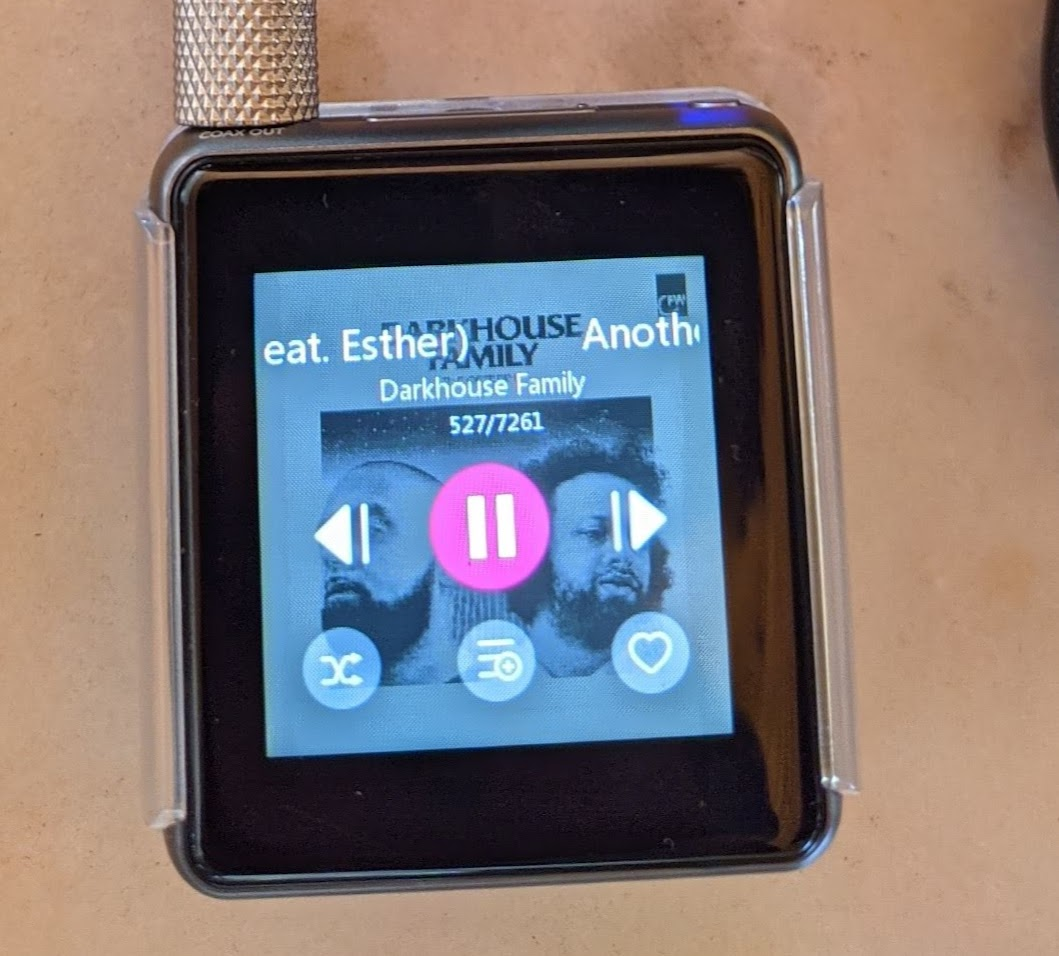
a freeware desktop audio player for Windows, Mac and Linux (Windows version installed through WINE) which features file conversion and cd ripping. I also use it to manage the music on personal media player, the now discontinued Fiio M5.
An open source photography workflow application and raw developer.
A free and simple video editor and trancoder. I use this for splitting videos into smaller clips for sharing in presentations. I combine this with an app called Instagiffer to create gifs, which can be quite effective for illustrating certain concepts. This also prevents from uploading onto random websites to create them. EZgif is quite a great website for this, though I am trying to stay clear of such services.
This has replaced Gboard which I have been using for years. Similar features except all your data is processed locally, including voice to type (have not used this feature yet), predictive text and swipe typing.
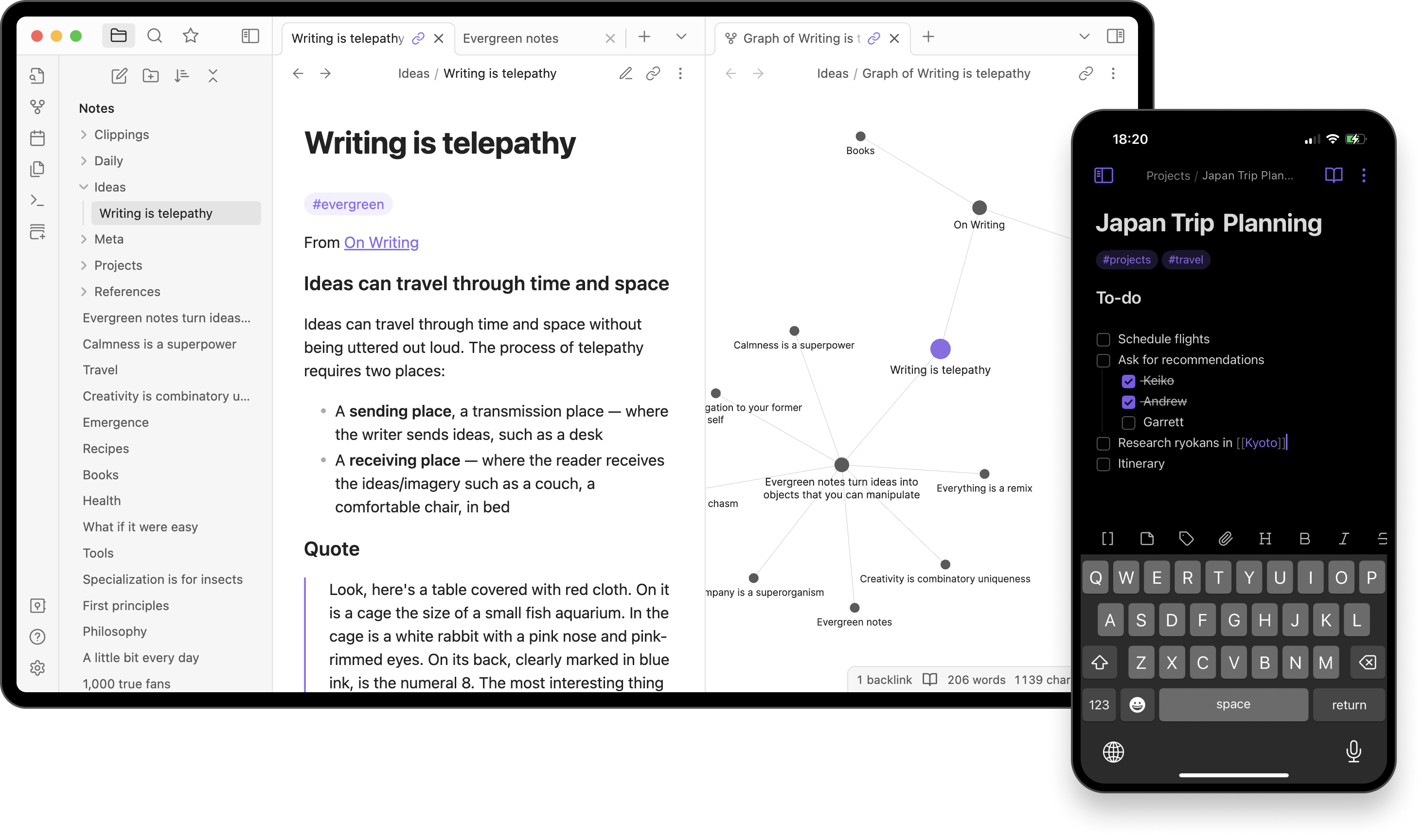
A highly customizeable text editor for notes. All notes are stored locally and synced between devices using Syncthing.
A FOSS static site generator. The site you are reading was built using it. More on that in a future post.
Reasons and motivations in a forthcoming post.
Jarred